The screens
Search Events
Find events worth observing tonight or tomorrow night.
Search Events asks OWC what is worth observing on a given night, using your default filter and your Home Site. It is where you go to find something to observe; My Events is where it ends up once you have committed.
Choosing what to search
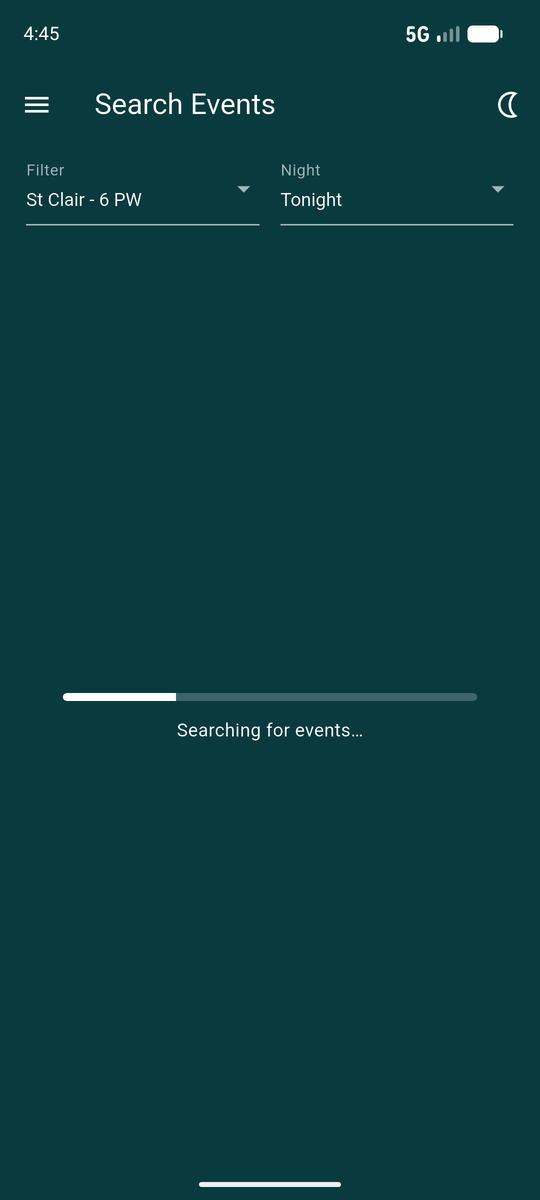
Two dropdowns at the top: Filter, and Night — tonight or tomorrow night.
A search takes several seconds, because the server is computing predictions rather than looking up a list. The progress bar is telling the truth; it is not stuck.
A "night" runs from 6am to 6am, not midnight to midnight. Search at 2am and Tonight still means the night you are in the middle of, not the one about to begin.
The results
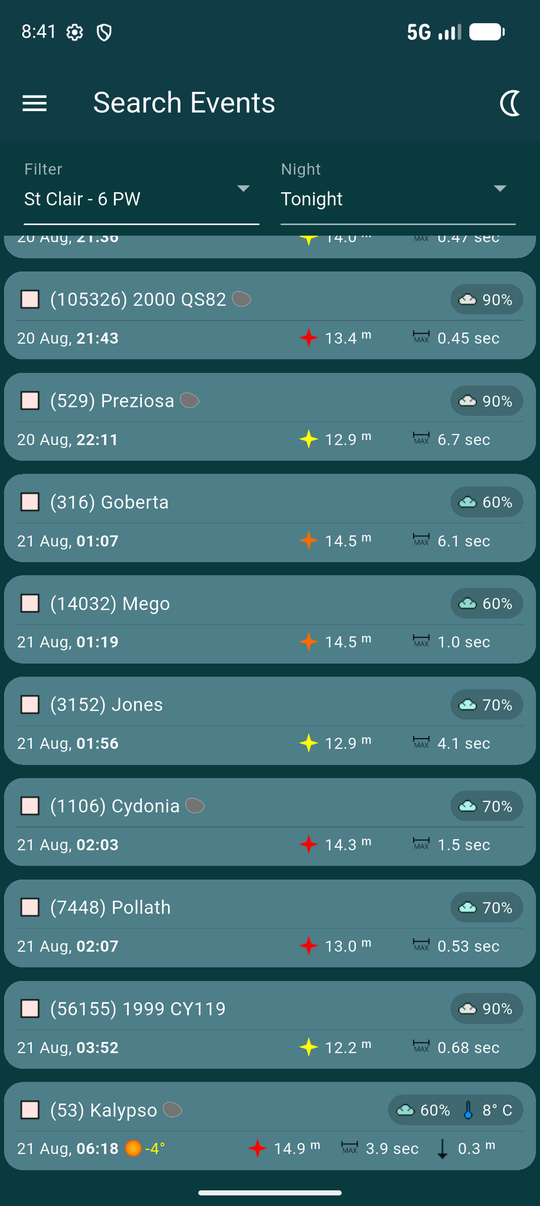
Each result carries the same statistics as a My Events row — star colour and magnitude, maximum duration, magnitude drop — plus a few things specific to searching:
- A cloud badge forecast for your Home Site at that event's time.
- An orange sun with a negative altitude, when the sun is still close enough to the horizon to matter.
- A name pill where an observer has already announced a station, so you can see who else is on it.
- A MY pill where one of those stations is yours.
- A shape model icon when DAMIT or ISAM has a real 3D shape for the asteroid — see Icons and badges. Most results have none; that is normal.
Looking at one event
Tap a result to expand it. Only one opens at a time, so the list never becomes unmanageable.
The globe shows the shadow track across the Earth. Below it the flat plot shows the path in cross-section: the shaded band is the shadow, the green line its centre, and the small marks along the bottom are fellow observers, labelled with their initials.
Tapping either the globe or the flat plot opens the path map.
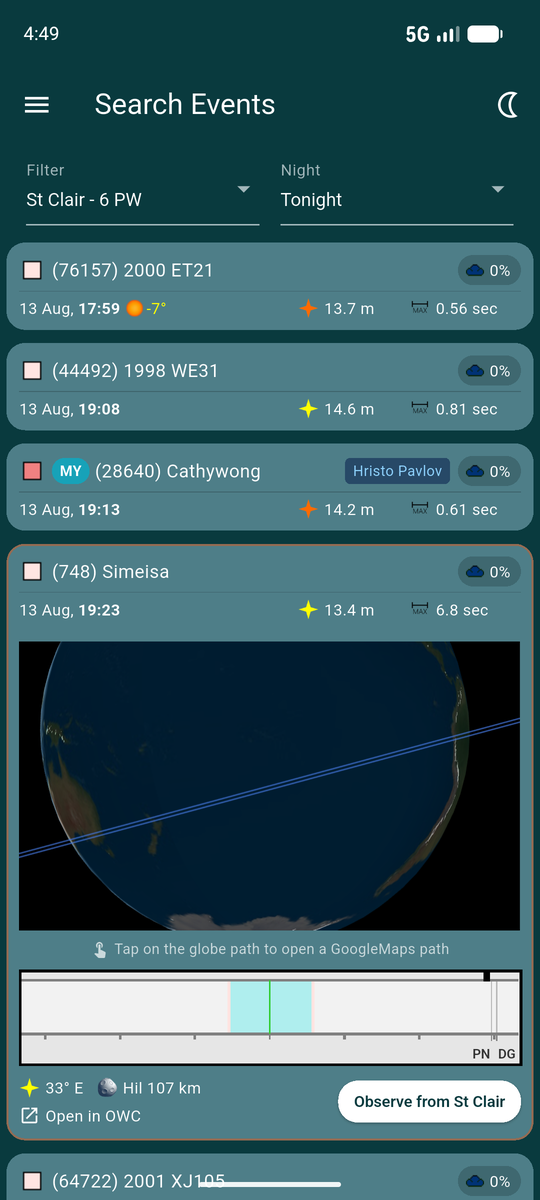
The class abbreviation next to the asteroid icon is its dynamical
family — MB for main belt, Hil for a Hilda,
and so on. Icons and badges lists
them.
Announcing a station
Observe from <your Home Site> announces a station for you at that site. The button names the site rather than saying just "observe", so there is no doubt which location you are committing to.
Once announced, the result gains a MY pill and the button goes away, and the event appears in My Events.
If On Map Station Selection is on in Settings, opening the path map from an unannounced result offers a second route: tap one of your Saved Sites directly on the map instead.
Open in OWC opens the same event on the OWC website, where there is more room for the full prediction detail than a phone screen allows.