Getting an API Key
Some applications that work with OccultWatcher, such as OccRep, need an API key for your account. You get the key from your user profile on OccultWatcher Cloud. It takes a minute, and you only need to do it once.
You need an OccultWatcher account with a verified email address. If you don't have an account yet, sign up on OccultWatcher Cloud first. Your OccultWatcher Desktop login works there too.
1. Open your User Profile
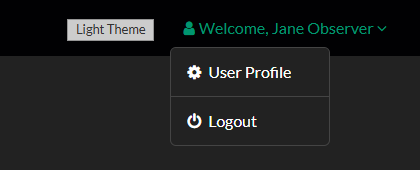
Log in to OccultWatcher Cloud. Click Welcome, your name at the top right, then choose User Profile.
2. Go to Permissions & Settings
Open the Permissions & Settings tab. The Status row shows whether your email address is verified.
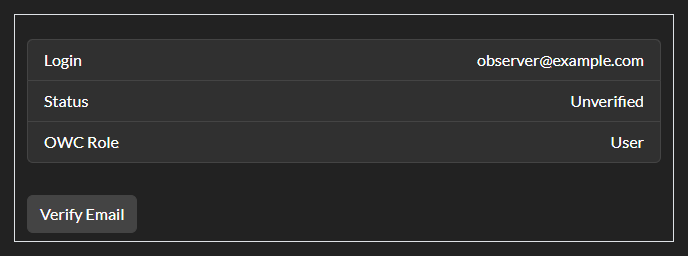
If the status is Verified, skip to step 4.
3. Verify your email address
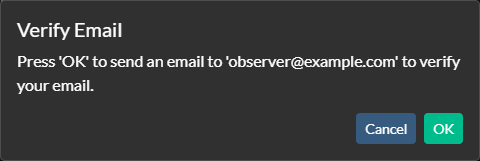
Click Verify Email, then OK to send a verification email to your login address.
A message confirms that the email was sent.
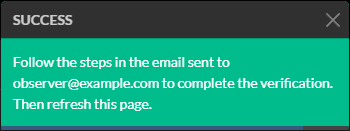
Open the email and follow its link. Then go back to the Permissions & Settings tab and refresh the page. The status now shows Verified.
No email after a few minutes? Check your spam folder.
4. Get your API key
Click Get API Key.
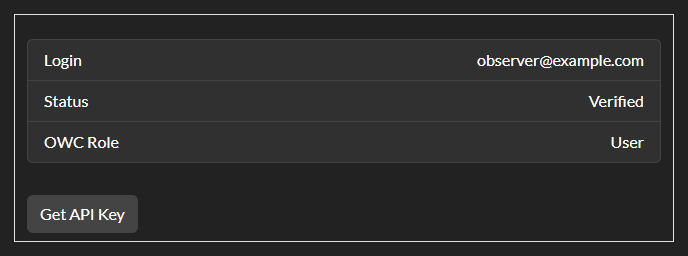
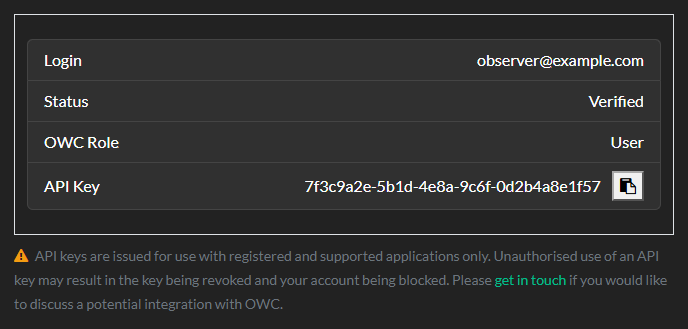
A message confirms API Key allocated, and the page refreshes after a moment. Your key appears in the new API Key row.
5. Copy the key into your application
Click the copy button next to the key to copy it to the clipboard, then paste it where the application asks for it. You can come back to this tab to copy the key again at any time.